See the concept.
Explore the idea.
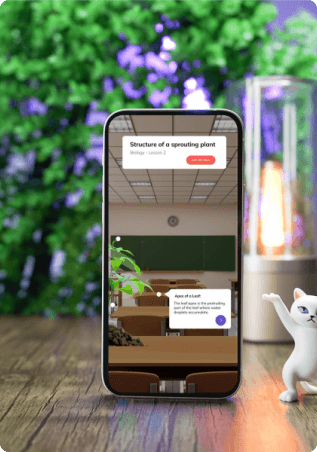
A personal project grounded in research, exploring how high school learners could visualise topics through augmented reality. Interviews, competitor analysis and prototype testing shaped the design.
- Project type
- Research focused personal project
- Deliverables
- Mobile app and branding
- Research
- Interviews and competitor analysis
- Evaluation
- Moderated prototype testing
Some topics need more than a flat diagram.
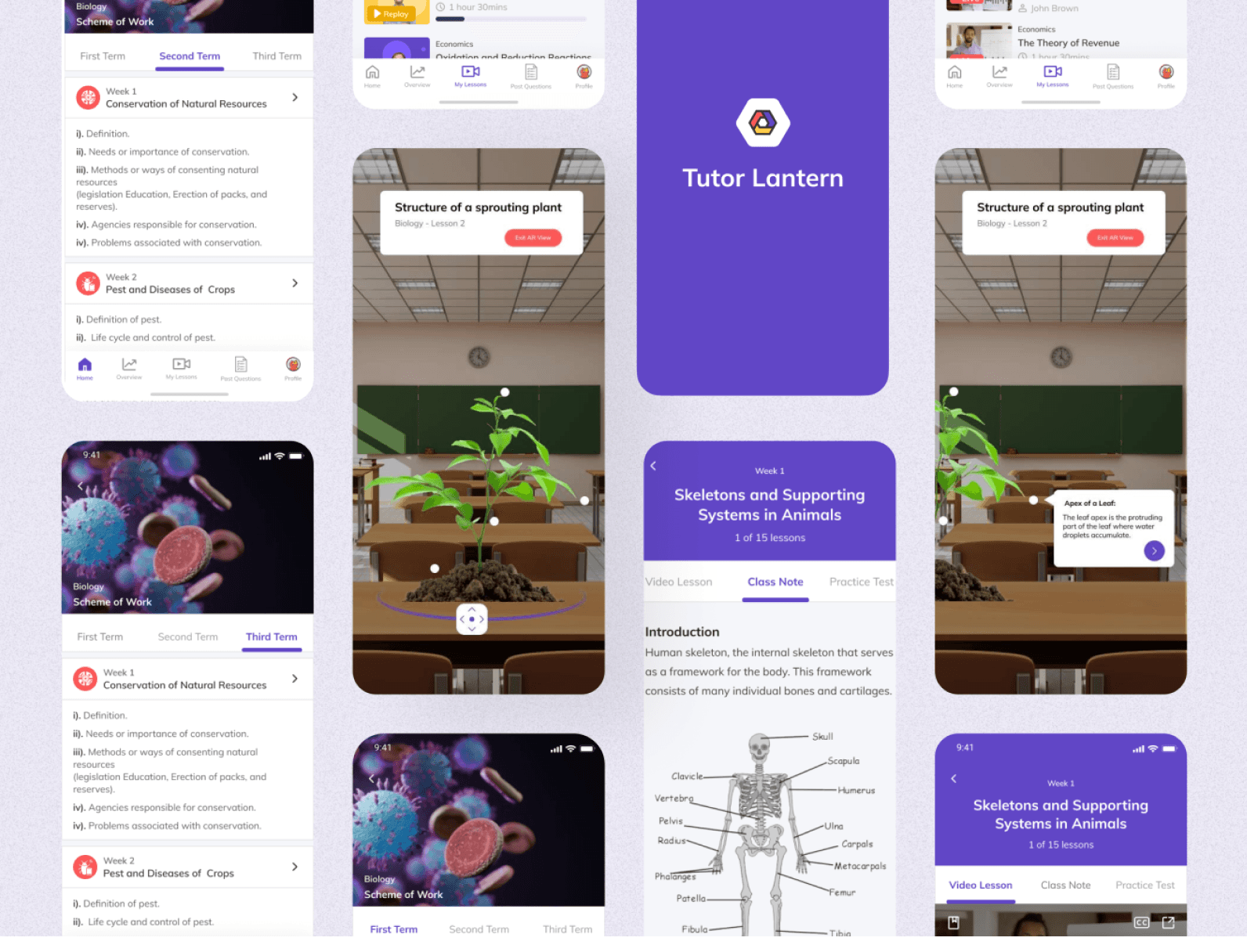
Tutor Lantern explores how an AR learning app could help students interact with diagrams and school topics at home or in the classroom. The goal was to make visualisation part of a clear learning journey.
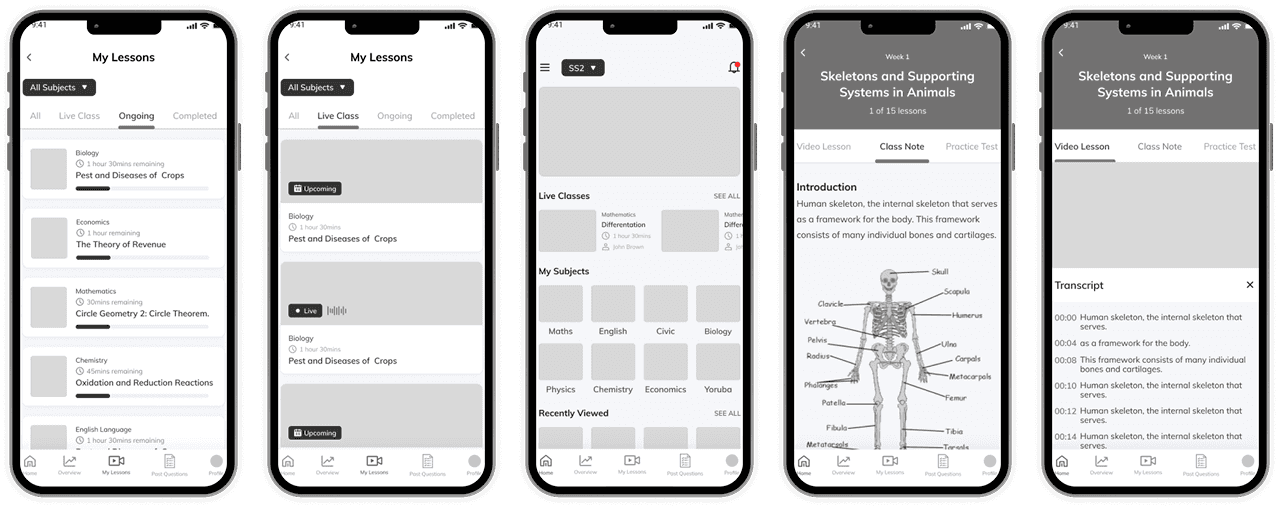
The design challenge was to connect class selection, subject resources and AR exploration without making a new interaction difficult to understand.
Understand the learning experience first.
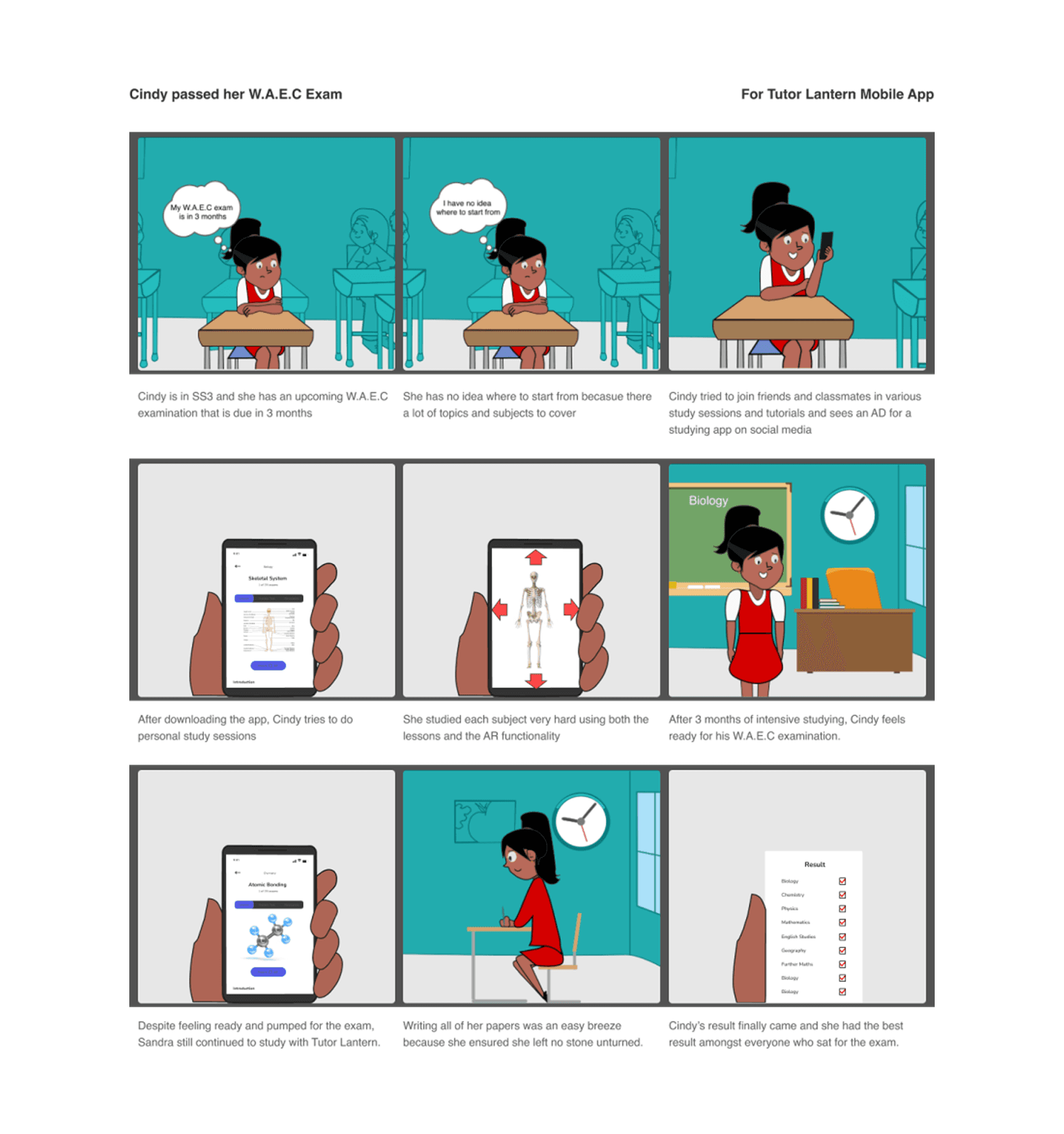
The project combined secondary research, competitor analysis and interviews with six participants about online learning and experience with AR. An interview guide used ten open questions to explore their stories and preferences.
Visualise difficult concepts
Explore ways to make complex diagrams interactive and easier to inspect.
Keep learning visible
Help people follow their progress and stay aware of classes and tasks.
Make subjects findable
Give learners a clear route to classes, subjects and resources.
The feature was new.
The guidance needed to be clearer.
Five participants completed remote moderated testing over Zoom, thinking aloud as they selected a class, explored subjects and resources, and tried the AR prototype.
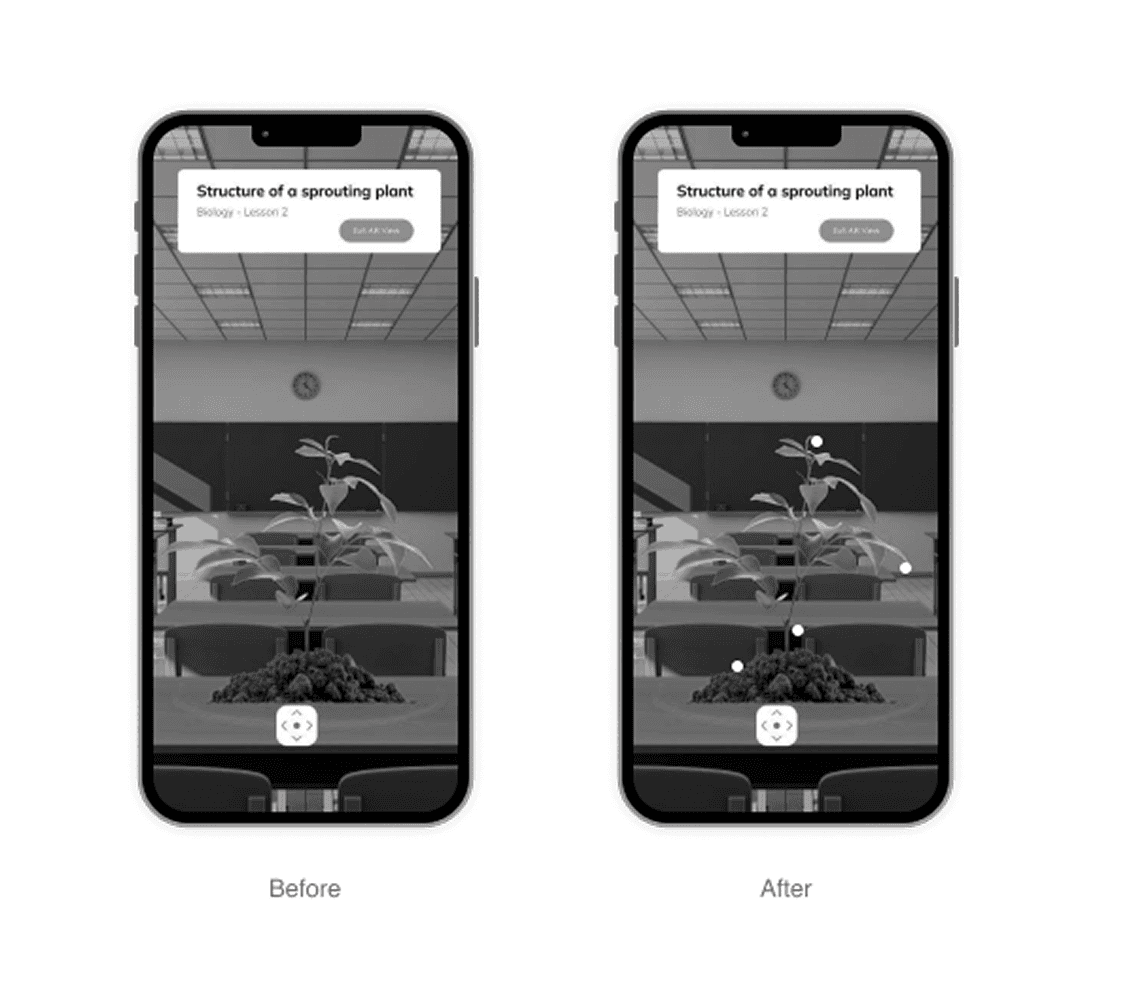
Add guidance within AR
Three of the five participants struggled to navigate the AR screen. The design added instructions to explain how to interact with and edit the diagram.
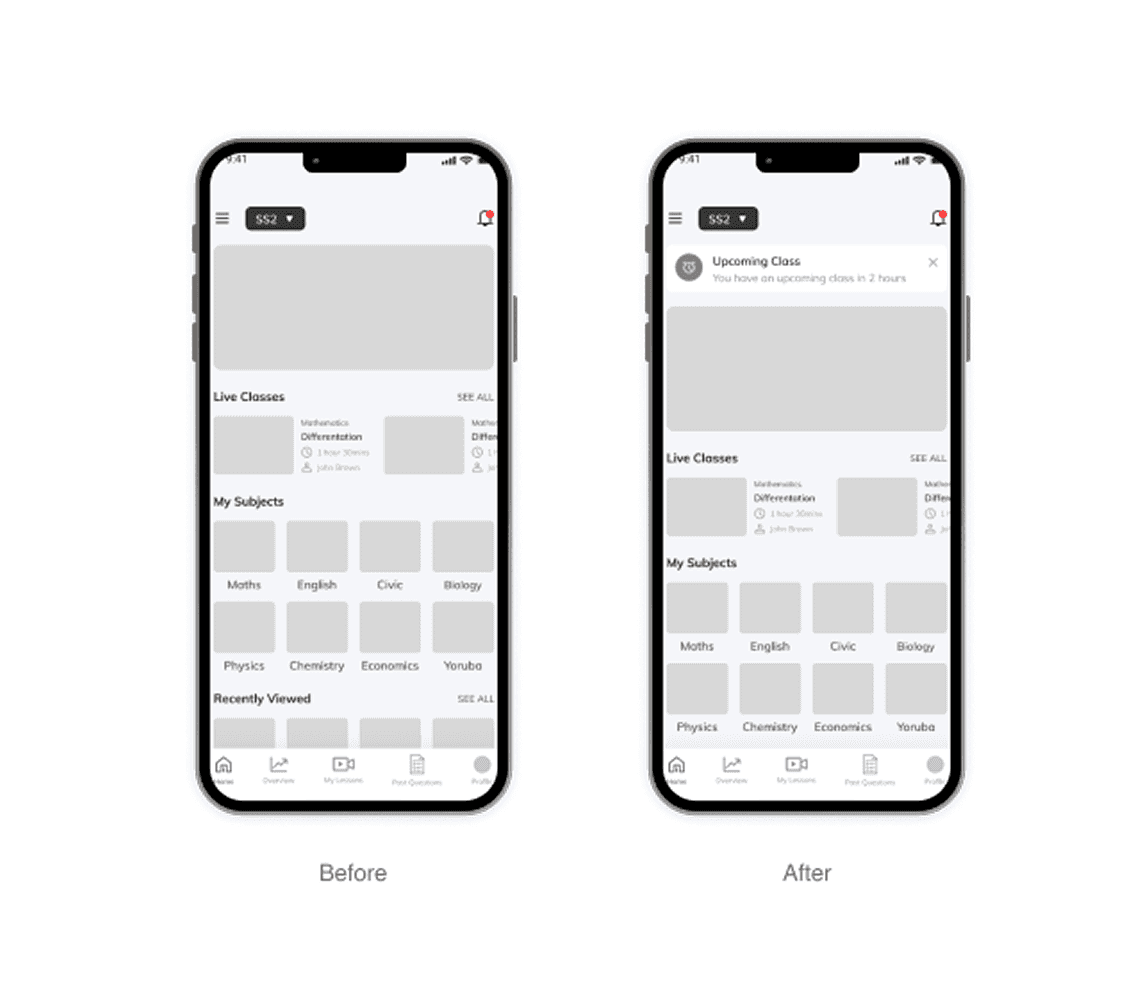
Surface upcoming activities
Participants described forgetting classes and homework. The revised home screen introduced a notification area for important activities, with external reminders proposed as part of the experience.
Make all subjects easier to reach
Participants wanted to see subjects together to narrow their choices. A See all action gave them a clearer way to browse the available subjects.
A new interaction still needs familiar guidance.
The concept showed me how important instructions and navigation are when introducing AR. The revisions respond to observed prototype difficulties; the project does not establish improved academic performance or retention.